Forming Groups
Overview
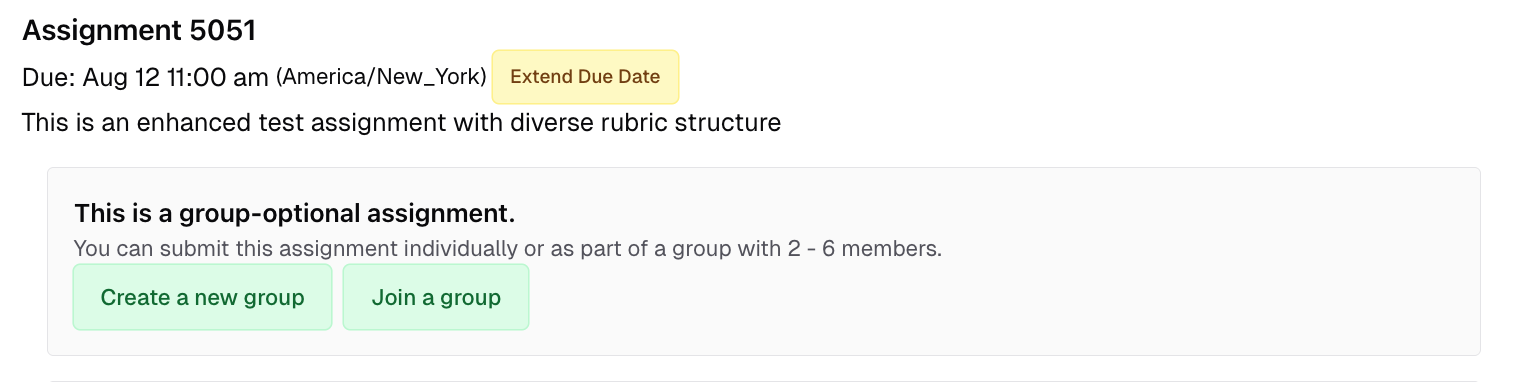
Pawtograder supports two kinds of group assignments:- Group optional: students can choose to work alone, or form a group.
- Group required: students must form a group.
Creating a New Group
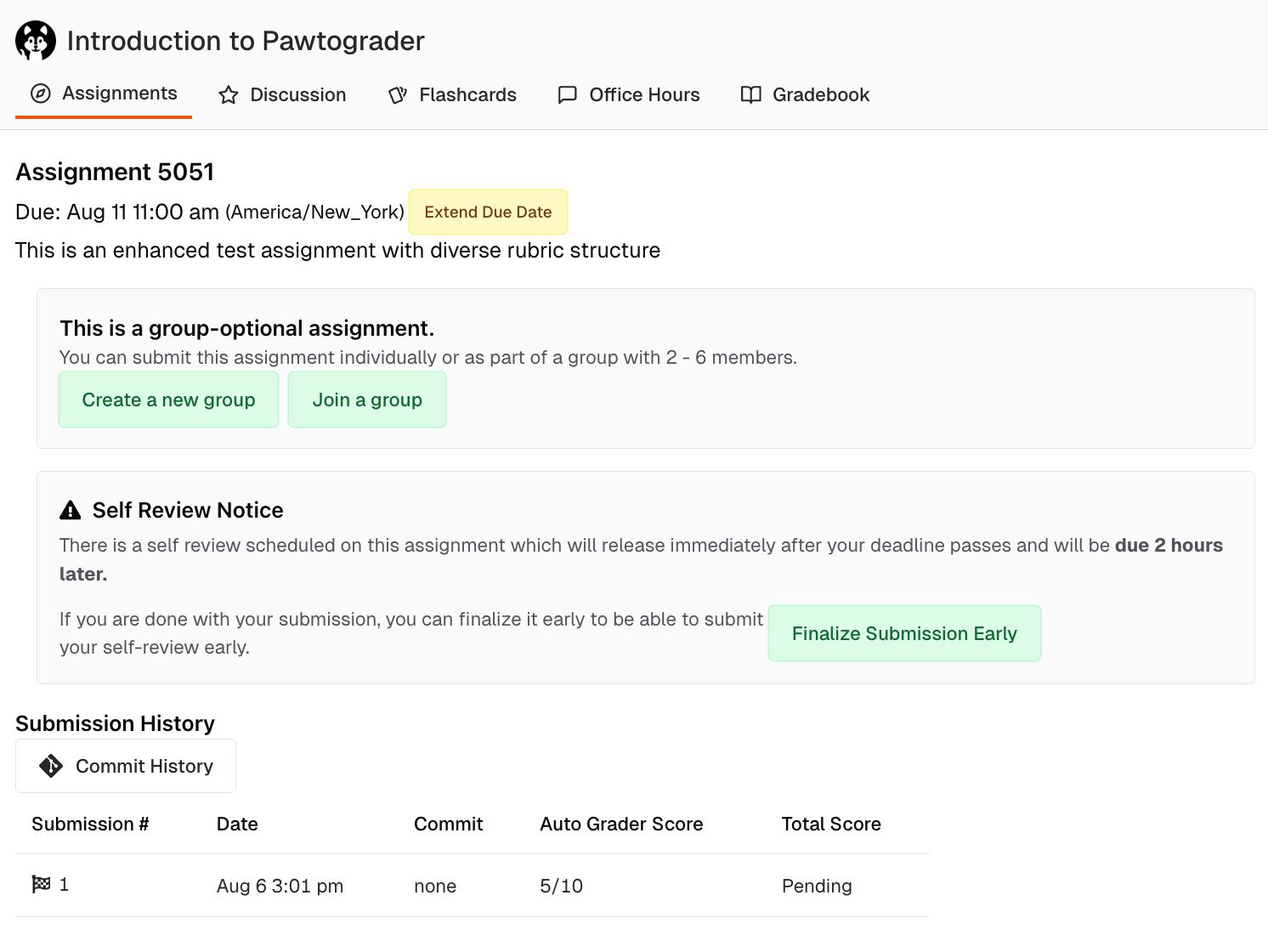
Click “Create a new group” to create a new group. Pick a good name: other students will use this name to find your group, and instructors will use this name to identify the group. The name must consist only of alphanumeric, hyphens, or underscores, and be less than 36 characters. Optionally, you can invite other students to join your group right as you create it. They will be notified by email, and can accept or reject the invitation. After creating the group, you can still invite more students to it later.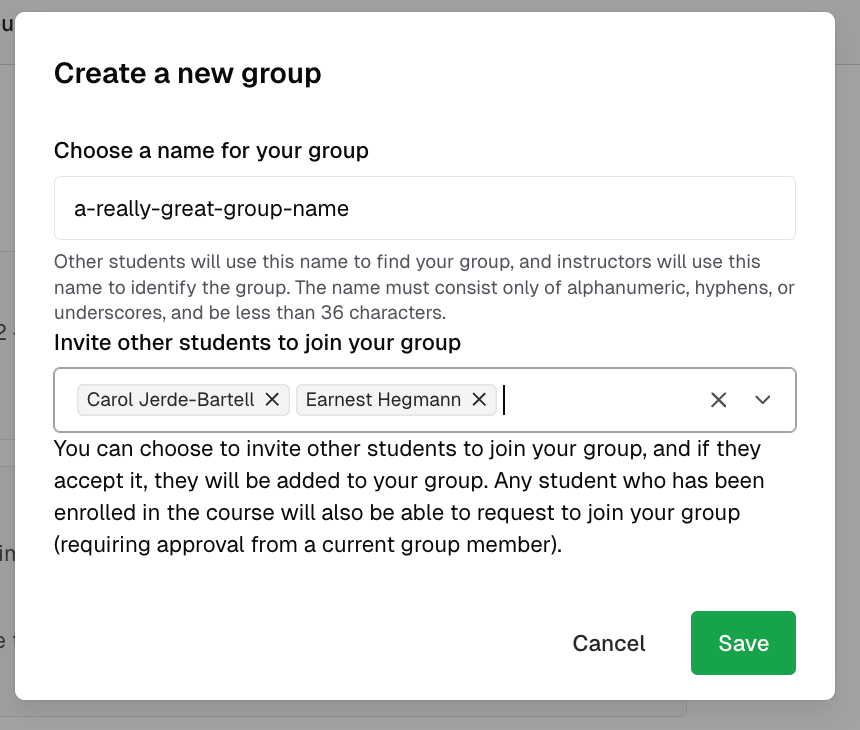
Managing Group Invitations
Once you are in a group, you will see a list of all the students in the group. You can invite more students to join the group or view the status of pending invitations by clicking “Invite other students”.
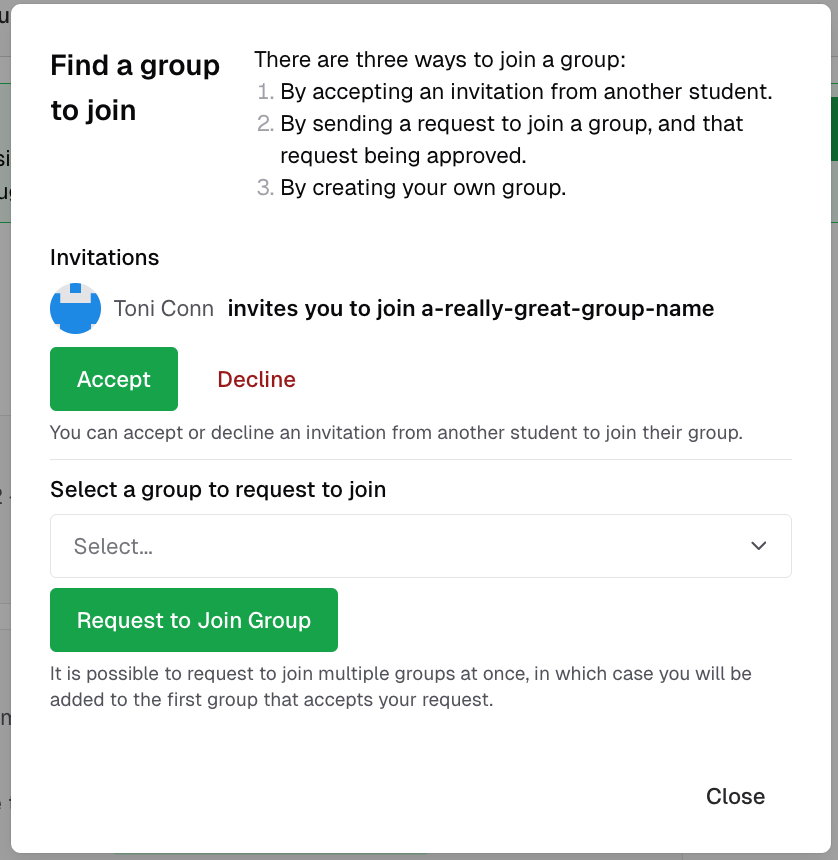
Joining a Group
To join a group or accept an invitation, click “Join a group” on the assignment page.